Framecast vs Cap
Cap offers both quick recording and a local editing workflow. Framecast is a native Mac recorder built around making a walkthrough clear. Both can add polish, so compare the full process from recording to delivery.
Free to record and edit · A license is needed to export and share · macOS 14 or later
What Cap offers
Cap separates Instant Mode for fast sharing from Studio Mode for local recording and editing. Its current site lists automatic zooms, cursor effects, captions and tools to hide private areas. Do not assume Cap is only a simple link recorder. Read about Cap's modes.
What Framecast offers
Framecast plans zooms from clicks and typing, then lets you adjust the video in its Mac editor. You can cut through the transcript, change camera layouts and add captions. Its private-information detection suggests areas to blur, which you should review before sharing.
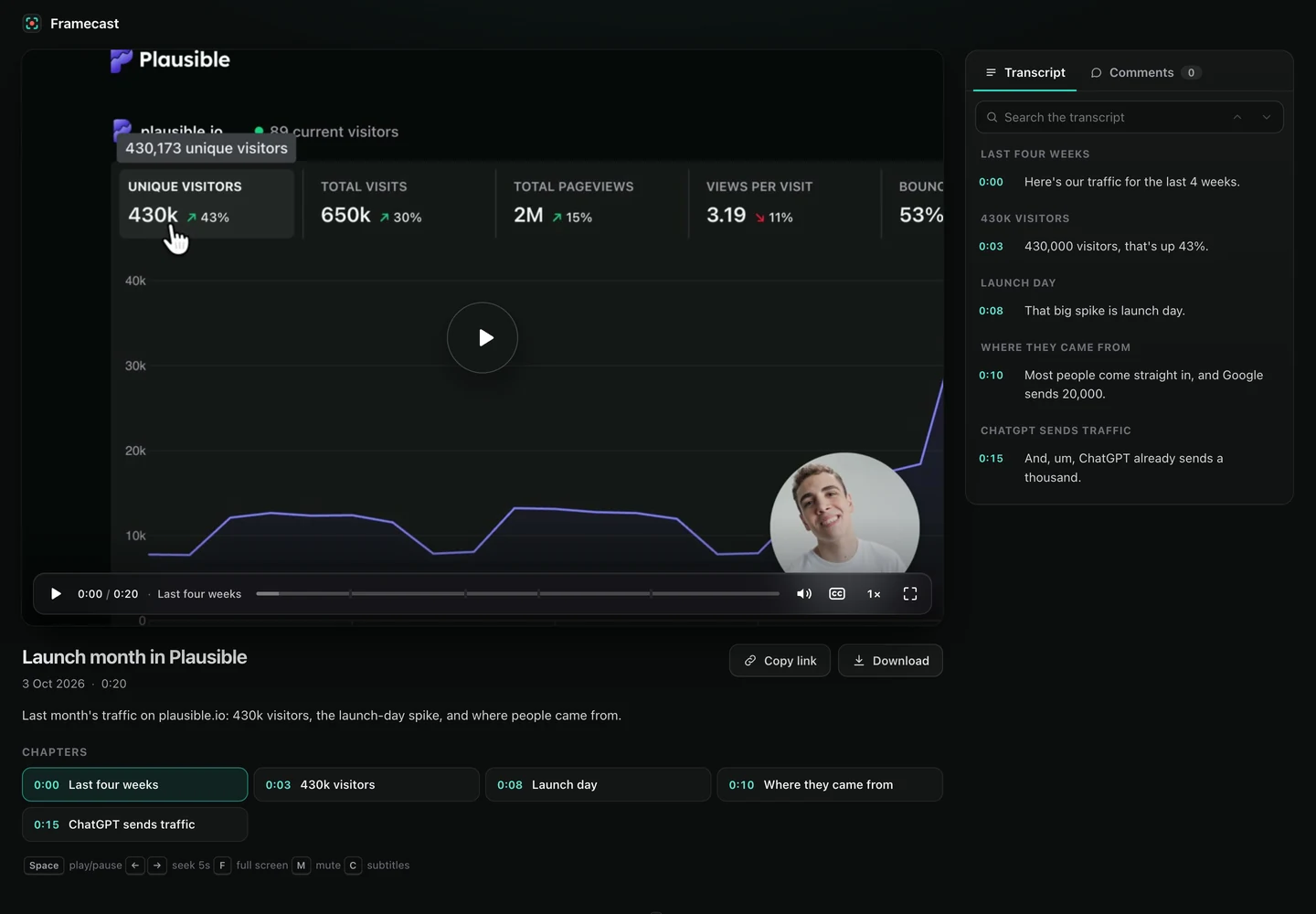
Try a recording with both narration and small on-screen controls. Check how each editor handles a correction after the recording is complete. That is often more useful than comparing the first automatic preview.
Recording and editing workflows
| Feature | Framecast | Cap |
|---|---|---|
| Main workflow | Record, edit and export or share from the Mac app | Instant Mode for fast sharing; Studio Mode for local editing |
| Automatic zoom | Zooms around clicks and typing | Studio Mode can generate zooms from recorded click data |
| Transcript corrections | Cut spoken mistakes through the transcript | Editing caption text changes captions; Cut video removes the corresponding footage |
| Platform | Native Mac app; macOS 14 or later | macOS, Windows and Linux; open source, with a self-host option |
| Payment terms | Recording and editing are free; export and sharing need a one-time license or a monthly plan | Free for personal use; a paid Desktop License or Cap Pro for commercial use |
Framecast's free trial covers recording and editing. Export and sharing need a license. A one-time license and an optional monthly plan are available. Check current pricing. Check Cap's current licensing terms rather than assuming every use is free.
Choose with a real recording
Make the same tutorial in each app and watch the result at normal playback speed. Download Framecast or explore its share links.
Sources: vendor documentation, Cap: product page, Cap: Studio Mode docs, Cap: pricing, read October 20, 2026. Framecast details from framecast.pro, pricing and the guide. We haven't run timed tests of either app; check each vendor's current terms before you decide.