GuideZooms
Add and edit zooms
Add a zoom anywhere, set how far it zooms in, and choose whether it follows your pointer or stays on one spot.
Add a zoom
Move the playhead to where the zoom should start and press Z, or choose + Add › Zoom at Playhead above the timeline. The zoom lasts 2.5 seconds.
Or add it on the Zoom lane. Move the pointer over an empty part of the lane, and a faint outline shows where a zoom would go. Click to add a three-second zoom there, or drag along the lane to choose how long it is. When the next zoom is close, the new one fits the space before it.
A new zoom uses your default zoom level and type. It’s selected, and the Zoom tab opens.
Change when it plays
Each zoom is a block on the Zoom lane. Drag the block to move it, or drag either edge to make it longer or shorter. The block shows its zoom level, a target icon for a fixed point and a bolt for an instant zoom. An automatic zoom you move or resize becomes yours, so Regenerate leaves it alone.
Choose how far and where
Click a zoom to select it. Under Selected zoom:
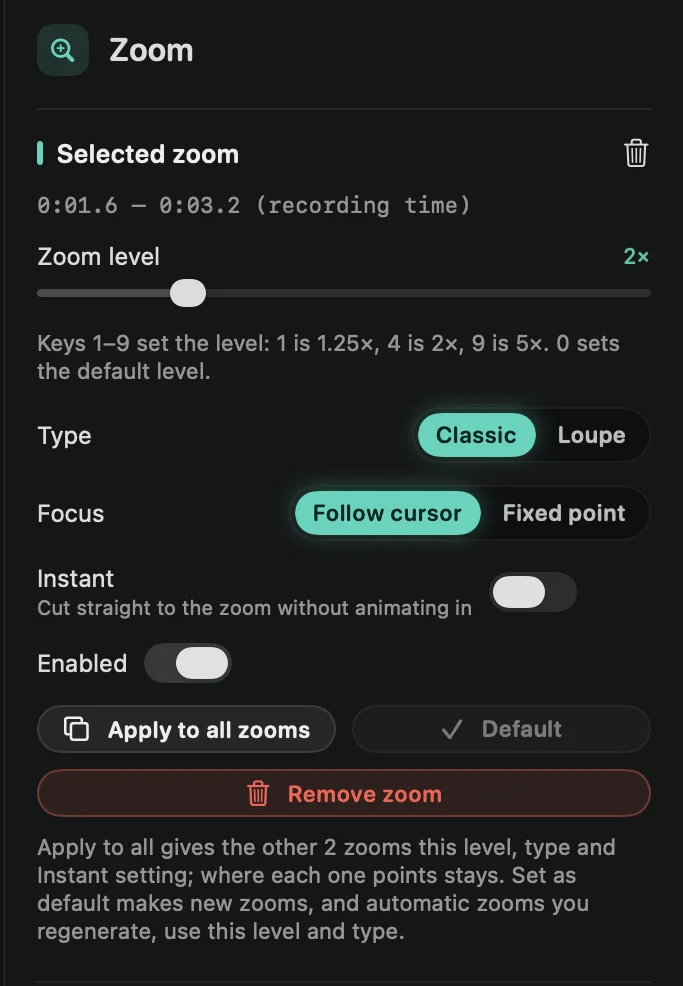
- Zoom level: from 1.1× to 5×. To set it quickly, press a number key: 1 is 1.25×, 4 is 2× and 9 is 5×. 0 sets your default zoom level. When nothing is selected, the keys change the zoom under the playhead.
- Focus: Follow cursor moves the camera with your pointer. Fixed point stays on one spot: drag the target on the preview to the spot you want, or fine-tune it with Focus X and Focus Y.
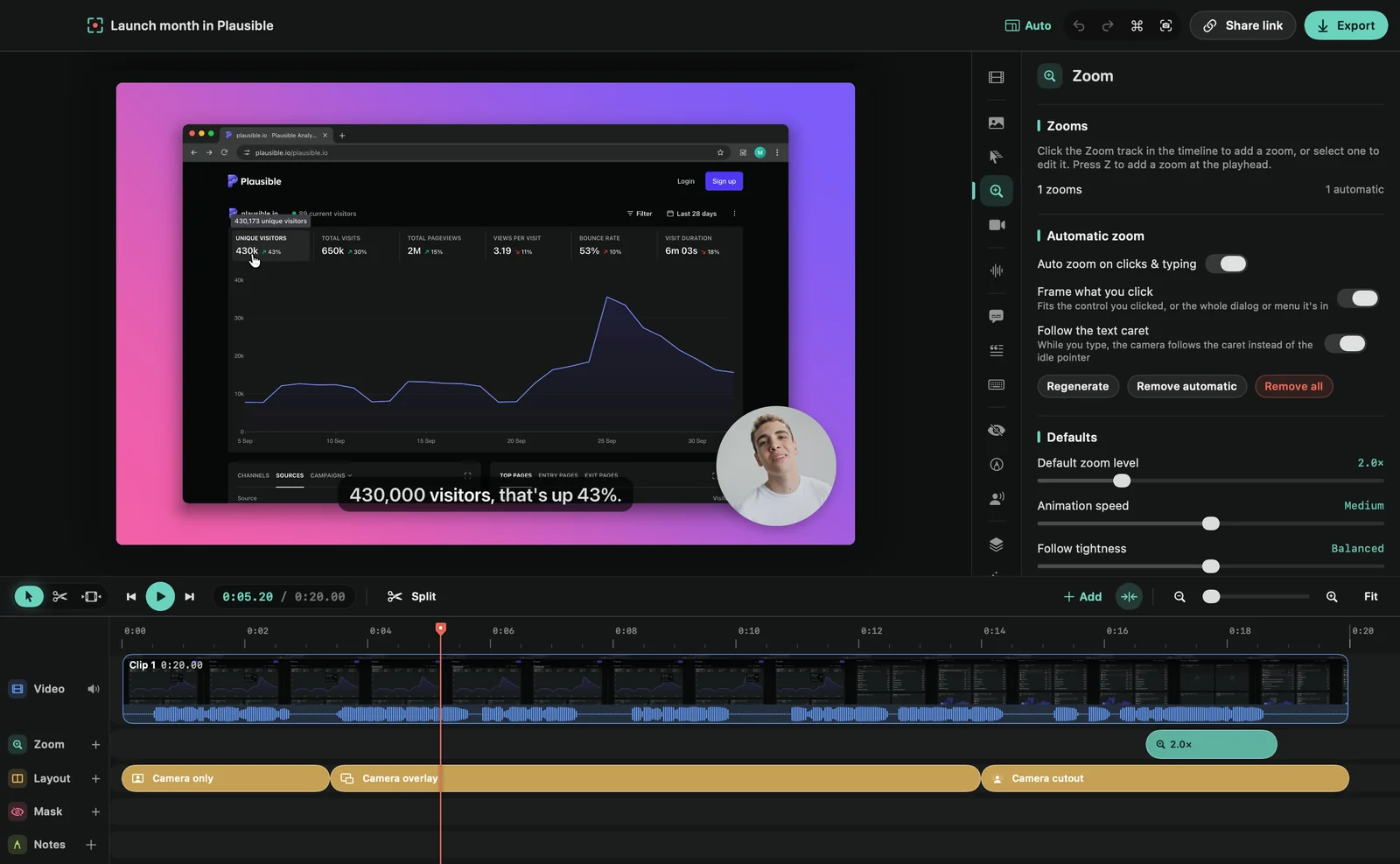
An imported video has no pointer to follow, so its zooms use Fixed point.
Copy a zoom’s settings
Select a zoom and press ⌘C. Then select another zoom and press ⌘V: it gets the same zoom level, type, focus and Instant setting, including the spot a fixed point stays on. It keeps its own place on the timeline. With no zoom selected, ⌘V adds a copy at the playhead instead.
Turn off or remove a zoom
Switch off Enabled to keep a zoom but skip it. To delete it, click Remove zoom, press ⌫, or right-click the block and choose Remove.
Tip: to zoom for an exact stretch of time, mark it as a range and click Add zoom.